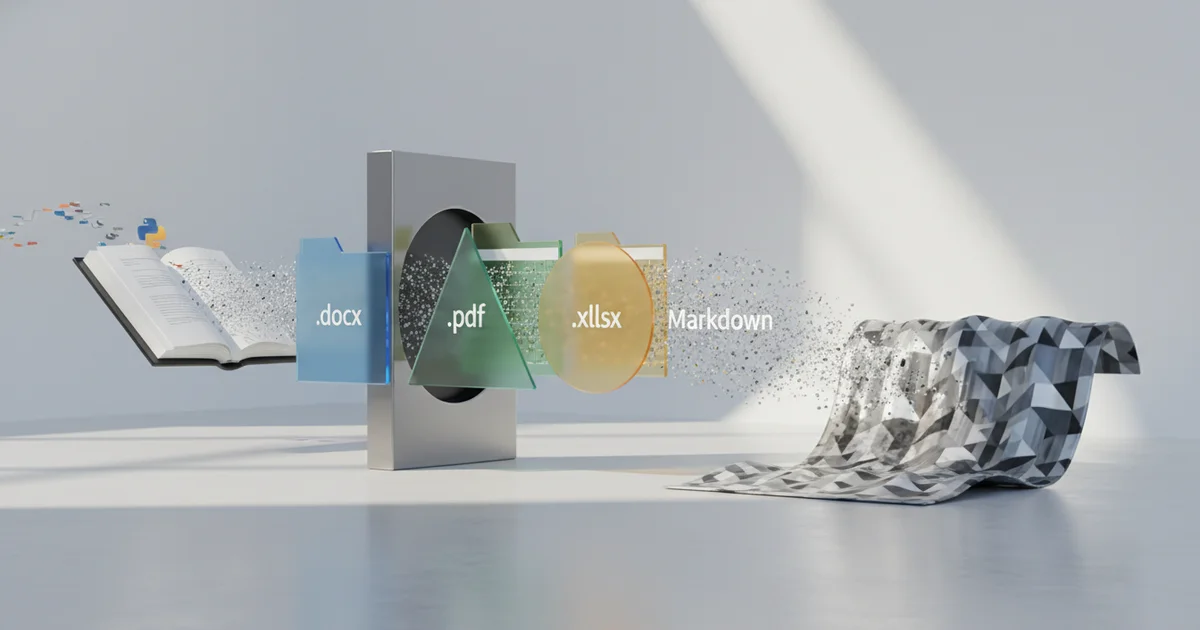
The Document Problem Nobody Talks About: Why AI Pipelines Choke on Office Files
Large language models digest plain text. They stumble on everything else.
The corporate document stack — built on .docx, .pptx, .pdf, and a dozen adjacent binary formats — is effectively opaque to AI systems without a preprocessing layer in between. A RAG pipeline fed a raw Word document doesn’t see headings, bullet points, or table structures. It sees encoded binary that either breaks the ingestion process or gets mangled into noise that degrades retrieval quality downstream.
This is the quiet tax every enterprise AI project pays. Engineers spend weeks building one-off parsers, stitching together libraries, and hand-tuning extraction logic before a single query reaches the model. The document conversion step rarely appears on roadmaps, but it consistently burns engineering hours and introduces fragility.
Markdown has become the practical answer to this problem. Its syntax is lightweight enough that LLMs read it cleanly, and it preserves just enough structure — headings, lists, tables, links — that retrieval systems can work with document semantics rather than flat character streams. The AI tooling ecosystem has converged on Markdown as the de facto interchange format between raw document storage and model-ready pipelines.
That convergence created a specific gap: reliable, low-overhead tooling capable of converting heterogeneous office files into clean Markdown at scale. Microsoft’s MarkItDown fills that gap directly. It is a Python utility purpose-built to convert various files — Office documents, PDFs, and more — into Markdown for use with LLMs and related text analysis pipelines. Microsoft positions it explicitly against textract, the older extraction library, but with a sharper focus: preserving document structure as Markdown rather than stripping everything to unformatted text.
The distinction matters. An AI pipeline that receives a converted document with intact heading hierarchy and table formatting retrieves more accurately and generates more coherent responses than one working from a structureless text dump. MarkItDown targets exactly that outcome — minimal overhead, structured output, and a conversion layer that makes the existing document stack legible to the AI systems enterprises are now deploying on top of it.
What MarkItDown Actually Does (And What It Doesn’t)
MarkItDown is a lightweight Python utility built by Microsoft to convert files into Markdown for use with LLMs and text analysis pipelines. That word — lightweight — is doing real work in that description. The tool prioritizes speed and structural preservation over pixel-perfect fidelity. Headings, lists, tables, and links survive the conversion. Complex formatting, embedded charts, and rich media frequently do not. Enterprises feeding annual reports, branded slide decks, or data-heavy spreadsheets into MarkItDown should expect to lose visual and layout information that doesn’t map cleanly to Markdown syntax. That’s a deliberate design choice, not a bug.
The upside of that constraint is breadth. MarkItDown handles a wide surface area of file types — Word documents, PowerPoint presentations, PDFs, and more — through a single unified Python interface. Developers working with heterogeneous document libraries don’t need to stitch together separate parsing libraries for each format. One integration point covers the pipeline.
The API structure reflects serious architectural thinking. MarkItDown exposes a convert_* family of functions, including convert_stream() and convert_local(), each scoped to a specific type of input. Microsoft’s own documentation makes the security implications explicit: MarkItDown performs I/O with the privileges of the current process, behaving like open() or requests.get(). It accesses whatever the process itself can access. In untrusted or multi-tenant environments, that’s a meaningful attack surface.
The guidance from Microsoft is direct — call the narrowest convert_* function needed for the use case. Using convert_stream() when processing user-supplied content limits exposure. Using a broader function when a narrower one would do introduces unnecessary risk. For enterprise deployments processing sensitive documents at scale, the choice of which function to call isn’t a developer preference. It’s a security decision.
What MarkItDown doesn’t do is equally important to understand. It isn’t a document intelligence platform. It doesn’t perform OCR on scanned PDFs, extract semantic meaning, or validate output quality. It converts structure to text. The value it delivers depends entirely on the quality and format-cleanliness of the documents going in.
The Security Story Most Coverage Is Getting Wrong
Most coverage of MarkItDown focuses on what it does well: clean Markdown output, broad format support, straightforward LLM pipeline integration. The security model gets a paragraph at best, and that framing is dangerously incomplete.
Microsoft’s own documentation states it plainly: MarkItDown performs I/O with the privileges of the current process. That means it can read, fetch, or access anything the invoking process can — local files, environment variables, internal network resources, mounted volumes. The comparison Microsoft draws is intentional and instructive. They explicitly liken it to Python’s built-in open() or requests.get(). Those are not sandboxed tools. Developers who treat MarkItDown as an inert document parser are actually exposing the full I/O attack surface of their application process.
The practical risk sharpens in multi-tenant and cloud-exposed architectures. If a web service accepts user-uploaded documents and pipes them through MarkItDown without input sanitization, a crafted file could direct the converter to access internal endpoints, read sensitive configuration files, or probe resources on private networks. This is not a hypothetical edge case — it is the direct consequence of running a process-privilege-inheriting tool against untrusted input.
Microsoft’s guidance to “call the narrowest convert_* function needed for your use case” is a least-privilege principle. Use convert_local() when the input is a local file. Use convert_stream() when working with in-memory data. Each narrower function limits the available attack surface. In practice, rapid deployments default to the broadest available method because it requires the least configuration. That shortcut creates real exposure.
The documented warning — sanitize inputs in untrusted environments — signals that MarkItDown was designed for controlled, developer-facing pipelines. It was not hardened for consumer-facing services or environments where document sources are unknown. Enterprises deploying it as a general-purpose ingestion layer without isolation, privilege scoping, or input validation are misapplying the tool. The security story is not that MarkItDown is unsafe. It is that the tool behaves exactly as documented, and most deployments are not reading the documentation carefully enough.
Why Microsoft Built This — And Why the Timing Matters
Microsoft didn’t build MarkItDown as a developer convenience tool. It built it as infrastructure.
The company’s $13 billion investment in OpenAI and its sprawling Copilot product line — embedded across Microsoft 365, Azure, and GitHub — all depend on one thing: AI models that can actually read enterprise content. Most of that content lives in Word documents, Excel spreadsheets, PowerPoint decks, and PDFs. MarkItDown converts those formats into Markdown, the clean, structured text that language models process most reliably. The tool is a direct enabler of the Copilot ecosystem’s core promise.
Publishing MarkItDown as open-source on GitHub is a deliberate ecosystem play. Microsoft is inviting developers to build on its conversion approach, not a competitor’s. If the developer community standardizes around MarkItDown’s output format and conversion logic, Microsoft shapes the foundational layer of how enterprise documents feed into AI systems — regardless of which AI model sits on top. That’s a platform move, not a charitable one.
The timing is precise. Enterprises are currently in the middle of building internal AI knowledge bases, RAG (retrieval-augmented generation) pipelines, and document search systems. Every one of those projects hits the same bottleneck: legacy documents in binary formats that language models can’t cleanly ingest. Document-to-Markdown conversion has gone from a niche preprocessing step to a contested infrastructure decision that determines the quality of every downstream AI output.
MarkItDown enters this moment as a lightweight Python utility purpose-built for LLM pipelines, explicitly designed to preserve document structure — headings, tables, lists, links — rather than just extracting raw text. That structural fidelity is what separates it from older extraction tools and what makes it relevant to enterprises building serious AI systems rather than demos. Microsoft released it at exactly the moment enterprises had no choice but to solve this problem.
Who Should Actually Be Using This — And How
MarkItDown is built for developer pipelines where the input sources are known, controlled, and trusted. The clearest use case is automated ingestion of enterprise content — SharePoint libraries, internal file servers, document management systems — where a Python process pulls files in bulk and converts them to Markdown before feeding them into an LLM or vector database. In that environment, MarkItDown does exactly what it promises.
Teams building RAG systems or document Q&A tools should treat it as a practical first step, not a complete solution. Wrap it with input validation before conversion and output sanitization after. The Markdown it produces is clean enough to chunk and embed, but the pipeline around it needs to enforce file type allowlists, size limits, and content checks before anything reaches a model.
Do not deploy MarkItDown directly behind a user-facing upload feature or a public API without significant additional hardening. The security model is explicit: MarkItDown performs I/O with the privileges of the current process, the same way Python’s built-in open() or requests.get() does. It will access any resource the process itself can access. Microsoft’s own documentation instructs developers to call the narrowest conversion function available for the task — convert_stream() or convert_local() rather than the general convert() — to limit exposure. That guidance exists because the risk is real, not theoretical.
Python developers who need to handle proprietary or non-standard file formats have a direct path forward through MarkItDown’s convert_* plugin architecture. The design allows teams to register custom converters for formats specific to their enterprise — legacy CAD exports, internal report formats, niche data schemas — without forking the library or maintaining a separate conversion layer.
The practical user profile is a mid-to-large enterprise with a Python-fluent data or AI engineering team, a document corpus that needs to feed an LLM-based system, and the internal capacity to build validation guardrails around the conversion step. Organizations without that engineering capacity should not treat this as a low-configuration drop-in tool.
The Missing Conversation: Lightweight vs. Accurate — A Trade-Off the Industry Must Confront
Microsoft’s own documentation describes MarkItDown as a “lightweight” utility, and that word is doing double duty: it signals ease of deployment and quietly telegraphs a ceiling on accuracy. The GitHub repository states explicitly that while output is “often reasonably presentable,” the tool is not designed to produce pixel-perfect document reconstruction. For enterprises feeding that output directly into LLMs, “reasonably presentable” is not a quality standard — it’s a liability.
The gap between what MarkItDown produces and what complex enterprise documents actually contain is where real problems emerge. A multi-column financial report, a scanned contract with embedded tables, a PowerPoint deck with layered graphics and speaker notes — these are not edge cases in enterprise environments. They are the norm. When conversion flattens or drops structural information from these documents, the downstream AI system doesn’t know what it lost. It generates responses based on incomplete context, and that degradation is invisible unless someone is actively auditing outputs.
The broader ecosystem question is equally underexamined. MarkItDown handles a wide format range — PDFs, Word documents, Excel files, PowerPoints, images, audio — but handling and handling well are different thresholds. No single open-source utility has solved the full diversity of real-world enterprise document complexity, and the industry has largely avoided saying so directly. Teams that bolt MarkItDown into a production pipeline and declare the document ingestion problem solved are making an assumption that the tool’s format coverage equals format fidelity. It does not.
As AI adoption scales inside organizations, document conversion quality will separate teams that build reliable systems from those that don’t. The organizations treating ingestion as a commodity step — a plumbing problem already solved — are laying AI infrastructure on ground that shifts under specific document types. That risk compounds quietly: conversion errors don’t throw exceptions, they just produce subtly wrong outputs that accumulate across thousands of documents. By the time the degradation surfaces in AI behavior, tracing it back to ingestion quality requires effort most teams aren’t prepared for.