The cloud trust gap — why 2026 is a turning point for local storage
For years, cloud storage looked like an obvious win — cheap, automatic, and invisible. That calculus is shifting fast in 2026, and the reasons are specific.
Google One raised prices twice between 2023 and 2025. Microsoft 365 folded Copilot AI into its subscription tiers and simultaneously updated terms of service language around data processing. Apple expanded iCloud+ pricing while quietly introducing on-device and cloud-side AI photo analysis through Apple Intelligence. Across all three platforms, the pattern is the same: subscribers pay more, and their files increasingly touch AI systems whose training boundaries remain ambiguous in the fine print.
That ambiguity is the breaking point for a growing segment of users. When a cloud platform embeds a generative AI assistant that can summarize documents, search photos, or draft replies from stored emails, every file in that account becomes potential model input — or at minimum, users have no reliable way to confirm it isn’t. Privacy researchers have flagged this gap repeatedly, and consumer awareness is no longer limited to the technically sophisticated.
Expert reviewers have taken notice. ZDNET’s 2026 roundup of the best NAS devices treats privacy architecture as a first-order evaluation criterion alongside throughput speeds and price-per-terabyte. That represents a meaningful shift from earlier review frameworks, where encryption and access controls were secondary footnotes. In 2026, where data physically lives and who can access it without the owner’s knowledge are central to how storage hardware gets scored.
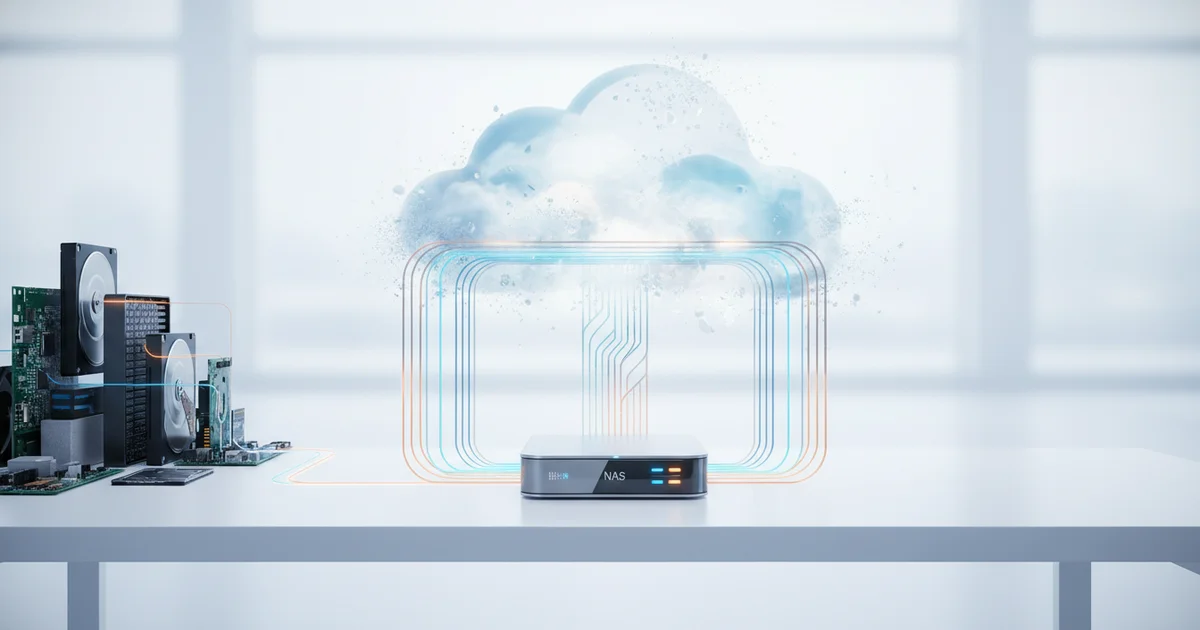
NAS devices answer these concerns structurally, not just philosophically. A drive sitting on a home network sends nothing to a third-party server unless the owner explicitly configures it to. There is no subscription renewal that comes with a terms-of-service update. There is no platform decision that can retroactively change how a company processes files already uploaded. For users who have watched cloud providers move the goalposts on data use, that kind of hard boundary carries real weight — and in 2026, it’s driving purchase decisions that reviewers and manufacturers are both taking seriously.
What makes a modern NAS different from just buying an external hard drive
Plug an external hard drive into your laptop and you get one thing: a box that stores files for whoever is physically holding the cable. A NAS device does something categorically different. It runs its own operating system, sits permanently on your home or office network, and serves files to every device connected to that network simultaneously — phones, laptops, smart TVs — without you touching it.
That always-on architecture is the core distinction. A NAS is a mini-server. Synology and QNAP, the two dominant consumer NAS brands, ship their devices with full software ecosystems: dedicated apps for media streaming, automated backup, surveillance camera management, and cloud synchronisation. You configure them through a browser-based interface that looks closer to a desktop OS than a storage utility.
The 2026 generation of NAS hardware pushes that gap wider. Current flagship units from Synology include built-in ransomware detection that monitors file behaviour in real time and snapshots data before an attack can encrypt it. AI-assisted photo organisation — automatic face recognition, scene tagging, and searchable albums — ships as a native feature, running entirely on local hardware with no data sent to a third-party server. Remote access, once a configuration nightmare requiring port forwarding and static IPs, now works through encrypted peer-to-peer tunnels built into the manufacturer’s software.
External drives are not obsolete. A 4TB portable drive costs under $100, fits in a jacket pocket, and needs zero configuration. For single-user backups and transport, that simplicity wins. But the moment you need two people accessing the same files at once, or you want your data protected against drive failure through RAID redundancy, or you want automatic offsite backup without paying a monthly cloud fee, an external drive hits a hard ceiling.
A two-bay NAS configured in RAID 1 mirrors data across two drives automatically. If one drive fails, you pull it out and replace it without losing a file. No external drive offers that. The price gap has also narrowed — entry-level two-bay NAS units start around $200 before drives, a threshold that puts enterprise-grade data redundancy within reach of any home user who has thought seriously about what losing their files would actually cost.
The expert testing methodology — what reviewers actually put these devices through
Reviewers testing NAS devices in 2026 run each unit through a gauntlet that headline read/write figures cannot capture. The core benchmark suite now includes simultaneous 4K stream delivery to multiple clients, remote backup jobs executing while local users actively read and write files, and timed recovery after a simulated drive failure — meaning a reviewer physically pulls a drive mid-operation and measures how long the array takes to rebuild and return to full redundancy.
ZDNET’s evaluation process layers vendor and retailer specifications against independent benchmark results and real ownership data pulled from customer reviews, a cross-referencing step designed to expose the gap between what a manufacturer prints on the box and what someone running the device for six months actually experiences. Transfer speeds that look competitive in a controlled single-client test frequently drop when a second workload hits the processor — a divergence that spec sheets rarely advertise.
Setup friction has become a weighted scoring factor, not a footnote. Testers log the time and steps required for a non-technical user to move from unboxing to a device that is correctly configured, password-protected, encrypted, and performing scheduled backups. A unit that requires navigating three separate administrative interfaces before basic security is active scores lower than one that walks a first-time owner through that process in under thirty minutes. This shift reflects the reality that NAS buyers are no longer a narrow group of IT professionals. Privacy concerns driven by AI data-harvesting practices have pushed everyday users toward local storage solutions, and those users need hardware that does not punish them for lacking a networking background.
The combined effect of this methodology is a ranking system where raw performance and real-world resilience carry equal weight, and where a device’s accessibility to a general audience can move it up or down the list regardless of its benchmark ceiling.
The contenders: what separates the top picks in each category
Not every NAS buyer has the same needs, and the market has split cleanly into tiers that reflect that reality.
For home users, two-bay devices dominate expert recommendation lists — and for good reason. A two-bay enclosure running RAID-1 mirrors data across both drives automatically, giving beginners a real safety net without demanding any technical knowledge to configure. The Synology DiskStation DS223 sits near the top of this category, offering a clean setup process and access to Synology’s DSM operating system, which handles everything from automated backups to media streaming through a browser-based interface most users can navigate on day one.
Step up to small business and power-user territory, and the expectations shift dramatically. Four-bay and above enclosures now ship with 2.5GbE networking as a standard feature rather than an upsell. The QNAP TS-464 delivers quad-bay storage alongside dual 2.5GbE ports and an Intel Celeron processor capable of handling simultaneous 4K transcoding — specs that would have cost significantly more just three years ago. For teams that move large files constantly, 10GbE connectivity has also crossed from luxury into baseline expectation.
Software is where the real separation happens. Synology’s DSM and QNAP’s QTS are the two platforms that set the standard, and reviewers consistently weigh app library depth and update longevity as heavily as raw hardware specs. Synology holds an edge in polish and long-term support commitments — DSM receives major updates years after a device launches, which matters when you’re asking a box to sit in a closet for a decade. QNAP counters with a broader app catalog and more aggressive hardware configurations, appealing to users who want to push a NAS beyond simple file storage into virtualization or containerized applications via its Container Station environment.
The practical takeaway: entry-level buyers should prioritize DSM’s ease of use and Synology’s support track record, while power users who need raw flexibility and networking headroom will find QNAP’s ecosystem a better fit.
What most coverage gets wrong: the hidden costs and overlooked risks
Most NAS roundups open with a clean headline price — $300 for a Synology DS223, $180 for a QNAP TS-233 — and treat that figure as the cost of entry. It isn’t. Both ship without drives. A two-bay enclosure populated with two 4TB NAS-grade drives adds roughly $160 to $200 to that number; step up to 8TB drives and the storage alone can cost more than the enclosure. Fully loaded, a mid-range four-bay setup regularly lands above $700 even when the box itself retails for $250. Reviews mention this, usually in a single parenthetical line. They rarely model what it means for budget planning.
Drive compatibility compounds the problem. NAS manufacturers publish compatibility lists, and those lists exist for a reason: not every drive marketed as “NAS-ready” behaves identically inside every enclosure. Seagate IronWolf and Western Digital Red Plus are the two most common recommendations, but vibration compensation, firmware handshake behavior, and thermal performance vary enough between them that swapping one for the other in a specific enclosure can affect reliability and sustained transfer speeds. Most reviews test with whatever drives the vendor supplied or sponsored, which tells you how the curated configuration performs, not how your configuration will.
Energy consumption is the cost nobody calculates before buying. A Synology DS923+ draws around 30 watts under load and roughly 9 watts in disk hibernation. Running that unit 24 hours a day for a year at the UK average electricity rate of 24p per kWh produces an annual electricity bill contribution of between £19 and £63 depending on usage patterns — and that rate has more than doubled since 2021. Over a five-year ownership window, power costs for an always-on four-bay device can approach or exceed the original purchase price of the enclosure itself. Factor in a UPS for surge protection, which most serious NAS users eventually add, and the gap between headline price and true cost of ownership widens further. Buyers who skip this arithmetic often feel the sting only when they review their energy bills.
NAS vs external drives: choosing the right tool for your actual needs
An external hard drive still wins for a specific kind of user: one person, one or two machines, and no need to pull files from the road. Plug it in, drag files over, unplug it. A 2TB portable drive costs around $50 to $70, fits in a jacket pocket, and requires zero network configuration. For that use case, a NAS is overkill by definition.
The calculation shifts the moment a second person enters the picture. A household with two laptops, a shared photo library, and a kid’s school tablet already has a coordination problem that an external drive cannot solve. Someone always has the drive. Nobody’s machine backs up automatically. Files get duplicated, lost, or both. A NAS sits on the home network, stays on, and handles backup from every device simultaneously — without anyone remembering to plug anything in.
Remote access is the other breaking point. An external drive stranded at home does nothing for a file you need at a hotel. A NAS with remote access enabled puts that file on your phone or laptop anywhere with an internet connection, with the data never touching a third-party server.
The price barrier that once made NAS a hobbyist purchase has dropped significantly. Single-bay NAS units from established manufacturers like Synology and QNAP now land under $150 for the enclosure alone, with a 2TB hard drive adding another $40 to $60. That total sits close to what a quality external SSD costs, but delivers always-on availability, multi-user access, and automatic backups across an entire household. Two-bay units, which allow redundant storage so a single drive failure doesn’t mean data loss, typically run $200 to $300 for the enclosure.
The honest framework: if you are one person backing up one computer and you want the simplest possible solution, buy an external drive. If you share a home with other people who also have data worth keeping, a NAS pays for itself in the first month you don’t lose something important.