The old tricks are back — with a new disguise
Phishing is older than most of the people falling for it. The inheritance email, the frozen-account warning, the fake lottery notification — these formats have circulated since the dial-up era, and they still work because the underlying psychology has never changed. Urgency, authority, and reward are reliable levers. Quishing does not replace that playbook. It repackages it inside a format that carries almost no cultural suspicion.
That repackaging matters more than it might seem. Between 2020 and 2023, QR codes migrated from niche retail tool to everyday infrastructure. Restaurants replaced paper menus with them. Airports used them for boarding passes. Vaccine programmes ran on them. Payment apps built entire UX flows around a single scan. That saturation trained hundreds of millions of people to treat scanning a QR code as a reflex — the same low-thought action as tapping a light switch. A malicious link sitting naked in an email now triggers hesitation in a way it did not five years ago. A QR code in the same email does not.
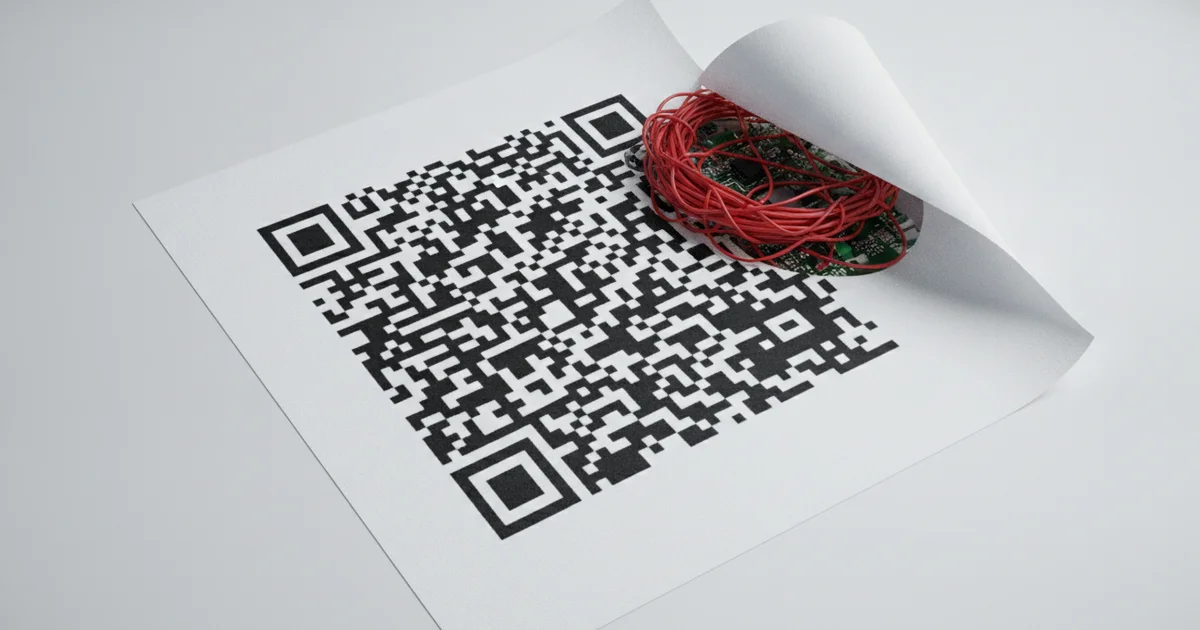
Attackers also get a technical bonus that goes beyond psychology. Email security gateways — tools built to catch URL-based phishing — analyse hyperlinks, check domains against threat-intelligence feeds, and sandbox suspicious destinations. A QR code is an image. It carries no clickable URL for those filters to inspect. The malicious destination is encoded inside a visual pattern that conventional scanners read as a jpeg or png attachment and wave through without scrutiny. Security researchers call this the “image gap,” and it turns a decades-old email security architecture into a near-useless checkpoint for QR phishing attacks.
The result is a threat that combines the proven manipulation techniques of classic phishing scams with a delivery mechanism that sidesteps the infrastructure built to stop them. Cybercriminals distributing QR code scams via email are not innovating for the sake of it. They are exploiting a specific and measurable blind spot, and they are doing it at scale precisely because the blind spot is reliable.
How a quishing attack actually works — step by step
Attackers build a quishing campaign in three deliberate moves, and each one exploits a different blind spot in conventional email security.
First, the attacker generates a QR code that encodes a malicious URL, then embeds that code as an image inside an email body or a PDF attachment. Most enterprise email gateways and secure email gateways scan for suspicious text strings, blacklisted domains, and malicious hyperlinks — but a QR code is just a JPEG or PNG to those systems. The encoded URL is invisible to text-based threat detection, so the message lands cleanly in the target’s inbox, often dressed as an invoice, a multi-factor authentication notification, or a parcel delivery update.
Second, the victim scans the code using their personal smartphone. The device’s camera app reads the pixel pattern, decodes the URL, and opens a browser session — all in under three seconds. That browser session lands on a spoofed login page built to mirror Microsoft 365, a bank portal, or a courier service like FedEx or DHL with pixel-level accuracy. The victim enters their username and password. The attacker’s credential-harvesting kit captures both in real time, sometimes also intercepting session tokens to bypass MFA entirely.
Third — and this is the structural advantage that makes QR code phishing so dangerous — the entire credential-entry event happens on a personal mobile device outside corporate controls. That phone has no endpoint detection and response agent, no corporate VPN forcing traffic through an inspected gateway, and no mobile device management profile giving IT any visibility. The defender’s detection window collapses to near zero. Security teams monitoring corporate endpoints and network traffic see nothing, because nothing happened on the corporate network. The compromise is complete before anyone receives an alert.
This device-switching tactic transforms a standard phishing attempt into a mobile phishing attack that operates in a blind spot most organizations have not instrumented. The victim returns to their laptop, enters the freshly stolen credentials, and business continues as normal — except an attacker now holds valid access to the account.
The MFA myth: why your second factor is not a safety net here
Multi-factor authentication stops credential stuffing. It stops brute-force attacks. It does not stop quishing, and the distinction matters enormously for organisations that have staked their security posture on MFA as a headline control.
The mechanism quishing exploits is not the password layer — it is the session layer. Adversary-in-the-middle proxy frameworks, including tools like Evilginx2 and Modlishka, sit between the victim and the legitimate service in real time. When a user scans a malicious QR code, lands on the spoofed login page, and completes MFA — entering the one-time passcode or approving the push notification — the proxy captures the authenticated session token instantly and relays it to the attacker before it expires. The attacker now holds a valid, post-authentication session. The password was never stolen. The MFA code was never cracked. The second factor did exactly what it was designed to do, and the account is still compromised.
This is the critical flaw in mainstream security guidance. Telling employees to enable MFA addresses a different class of attack entirely. QR code phishing attacks are engineered specifically to operate downstream of authentication, making the advice not wrong but dangerously incomplete.
The risk compounds in environments with strong MFA adoption. Security teams that have invested heavily in rolling out authenticator apps or hardware tokens across the workforce frequently treat MFA as a closed chapter — a problem solved. That confidence creates a blind spot. Quishing attacks targeting Microsoft 365, Salesforce, or corporate VPN portals can succeed precisely because the target organisation’s defences look robust on paper. The attacker does not need to break the lock; they let the user open the door and walk through it alongside them.
Phishing-resistant MFA standards like FIDO2 and passkeys do close this session-hijacking gap, because they bind authentication cryptographically to the legitimate domain and cannot be proxied. But FIDO2 adoption across enterprise environments remains limited. Until that changes, QR code phishing sits in a gap that most security checklists have not yet caught up to.
What most coverage gets wrong: it’s not just an email problem
Most security coverage frames quishing as an inbox problem — a malicious QR code buried in a phishing email, waiting for an unsuspecting employee to scan it. That framing is too narrow, and it leaves organizations blind to two fast-growing attack surfaces.
The first is physical. Attackers print fraudulent QR code stickers and paste them directly over legitimate codes on parking meters, restaurant tables, bike-share stations, and public noticeboards. No email server, no spam filter, no digital delivery mechanism at all. A person walks up to a parking meter in a rush, scans what looks like the payment code, and hands their card details to a criminal. The attack requires nothing more than a cheap printer and a few minutes of unsupervised access. Cities including San Francisco and Austin have already issued public warnings after tampered meter codes were discovered, yet this physical-world variant barely registers in enterprise security briefings.
The second underreported vector runs through trusted platforms. Attackers embed QR codes inside legitimate-looking PDF attachments, SharePoint file-sharing notifications, and calendar invites. Because these arrive through platforms organizations already trust and use daily, they clear both technical filters and the human suspicion threshold. A calendar invite with a QR code asking you to “verify your identity before joining” looks routine. That’s precisely why it works.
Cutting across both vectors is the real conversation the industry keeps sidestepping: the smartphone is the attack surface, and it is largely undefended. Mobile browsers truncate URLs, showing users only the domain root rather than the full destination path. Tap behavior on mobile is faster and less deliberate than click behavior on desktop. Corporate mobile device management policies — where they exist at all — routinely lag behind the endpoint detection and web filtering controls applied to laptops. Security training built around hovering over links before clicking translates poorly to a device where hovering is not an option.
QR code phishing succeeds not because users are careless, but because the entire mobile interaction model was built for speed and convenience, not scrutiny.
Spotting a quishing attempt: practical red flags to know
Recognising a quishing attempt follows the same logic as spotting a suspicious email link — the instincts are identical, even if the delivery mechanism looks different.
Unsolicited QR codes are the clearest warning sign. If a QR code arrives without prior context — an unexpected email claiming your parcel is held for customs, a text warning your account has been suspended, or a message demanding you scan to reset an expiring password — treat it as hostile by default. Attackers rely on urgency to override caution. The tighter the deadline in the message, the more carefully you should pause before your camera app opens.
Before scanning anything, check the destination URL. Most modern smartphone cameras on iOS and Android display a preview of the link before launching the browser. Most users ignore this preview entirely, which is precisely the gap QR code phishing attacks exploit. A malicious URL often contains random character strings, misspelled brand names, or unfamiliar domains — none of which belong in a legitimate communication from your bank, delivery provider, or employer. If the preview URL looks wrong, do not proceed.
Physical QR codes require a second layer of scrutiny. Tampered codes in the real world — on restaurant tables, parking meters, public noticeboards, or retail point-of-sale terminals — are a documented attack vector. Run your finger across the surface: a sticker placed over an original printed code has a raised edge. Look at alignment — a fraudulent code layered over genuine signage rarely sits perfectly flush with the surrounding design. Any misalignment, bubbling, or inconsistency in the printed material is a reason to walk away.
The overarching rule is simple: context justifies a QR scan, and the absence of context disqualifies it. A code you sought out — on a product you purchased, a venue you chose to enter — carries a different risk profile than one that arrived uninvited demanding immediate action. Treating QR codes with the same critical eye already applied to suspicious hyperlinks closes the primary recognition gap that makes quishing attacks so effective.
What individuals and organisations can actually do right now
The security gap quishing exploits is fixable, but closing it requires action on two fronts simultaneously: organisational infrastructure and individual behaviour.
On the infrastructure side, email security teams need to deploy QR-code-aware scanning tools that actively decode QR images embedded in messages and attachments, then run the extracted URLs through the same reputation checks, blocklist comparisons, and sandbox analysis already applied to standard hyperlinks. Most enterprise email filters in production today skip this step entirely — they scan text and links but treat QR codes as inert images. That blind spot is precisely what attackers are exploiting at scale. Vendors including Proofpoint, Abnormal Security, and Microsoft have begun adding QR decoding capabilities to their platforms, so procurement teams should verify whether this feature is active, not just listed on a spec sheet.
Security awareness training programmes need a hard reset on this topic. QR code phishing cannot remain a single slide buried inside a general phishing module. Training must cover the full threat surface: malicious codes arriving by email, embedded in PDF attachments, printed on fake parking notices, and stuck over legitimate codes in restaurants and airports. Physical-world scenarios are where training most often fails, and attackers know it.
For individuals, the rule is straightforward: any QR code that leads to a login page demands the same scepticism as an unsolicited link in an email. Do not enter credentials on any page you reached by scanning a code you did not initiate yourself. Instead, verify the request through an independent channel — call the company directly using a number from their official website, or type the URL manually into your browser. A convincing landing page is not evidence of legitimacy; quishing attacks routinely clone Microsoft 365, PayPal, and bank login screens with pixel-level accuracy. The sophistication of the page is irrelevant. The origin of the request is everything.