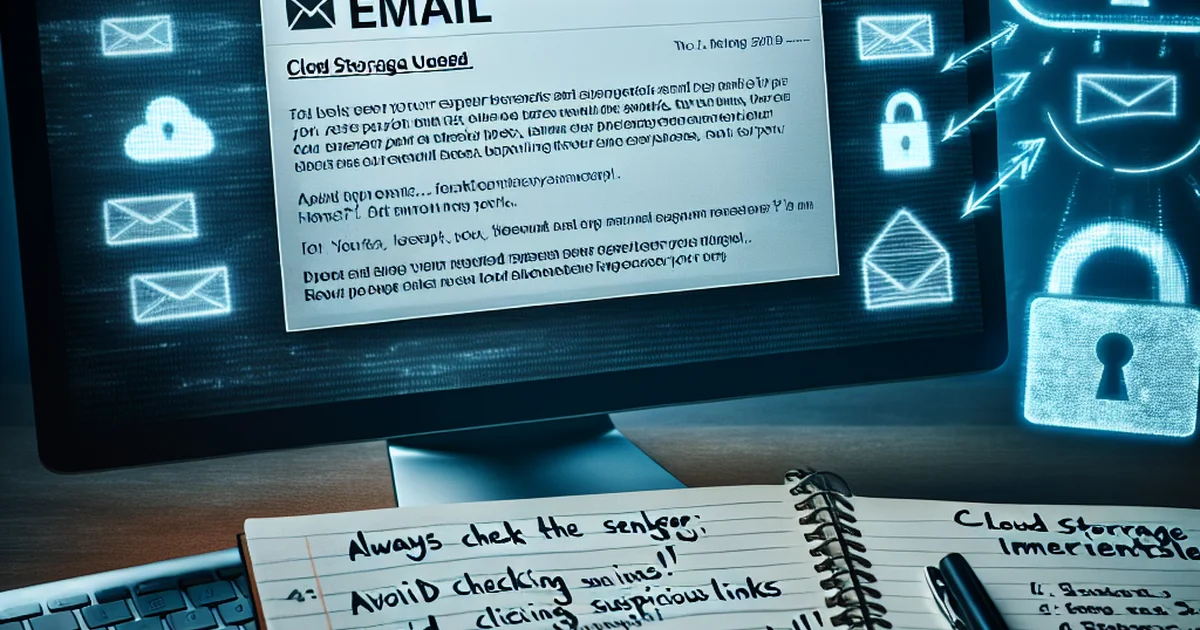
Understanding the Rise of Cloud Storage Scam Emails
As cloud storage services become an essential part of our digital lives, cybercriminals are exploiting their popularity by sending fraudulent emails. These cloud storage scam emails often disguise themselves as legitimate communications from trusted providers such as Google Drive, Dropbox, or OneDrive. Their aim? To trick users into disclosing passwords, clicking malicious links, or downloading harmful attachments.
How Cloud Storage Scam Emails Work
Scammers typically use persuasive subject lines and branding to mimic genuine notifications. Common tactics include informing users of suspicious account activity, shared files requiring urgent attention, or requests to reset passwords. Once the victim interacts with these emails, they may be redirected to fake login pages or infected with malware.
Warning Signs of a Cloud Storage Scam Email
- Generic Greetings: Vague salutations such as “Dear user” instead of your real name.
- Spelling and Grammar Errors: Legitimate companies usually avoid such mistakes.
- Urgency or Threats: Emails pressuring immediate action or threatening to suspend your account.
- Suspicious Links or Attachments: Hover over links to check if the URL matches the official site.
- Unusual Sender Addresses: Official emails come from verified company domains.
Steps to Protect Yourself
- Always verify the sender’s email address before responding or clicking any links.
- Enable two-factor authentication (2FA) for your cloud storage accounts.
- Access your cloud storage provider by typing the address directly into your browser, not via email links.
- Update your passwords regularly and use strong, unique combinations.
- Report suspicious emails to your cloud provider’s security team.
What to Do If You Fall Victim
If you believe you’ve interacted with a scam email, immediately change your account passwords and enable additional security checks. Inform your cloud provider’s support team and monitor your accounts for unusual activity. Being vigilant and proactive is key to keeping your digital information secure from evolving threats.