The Deal at a Glance: What You’re Actually Getting
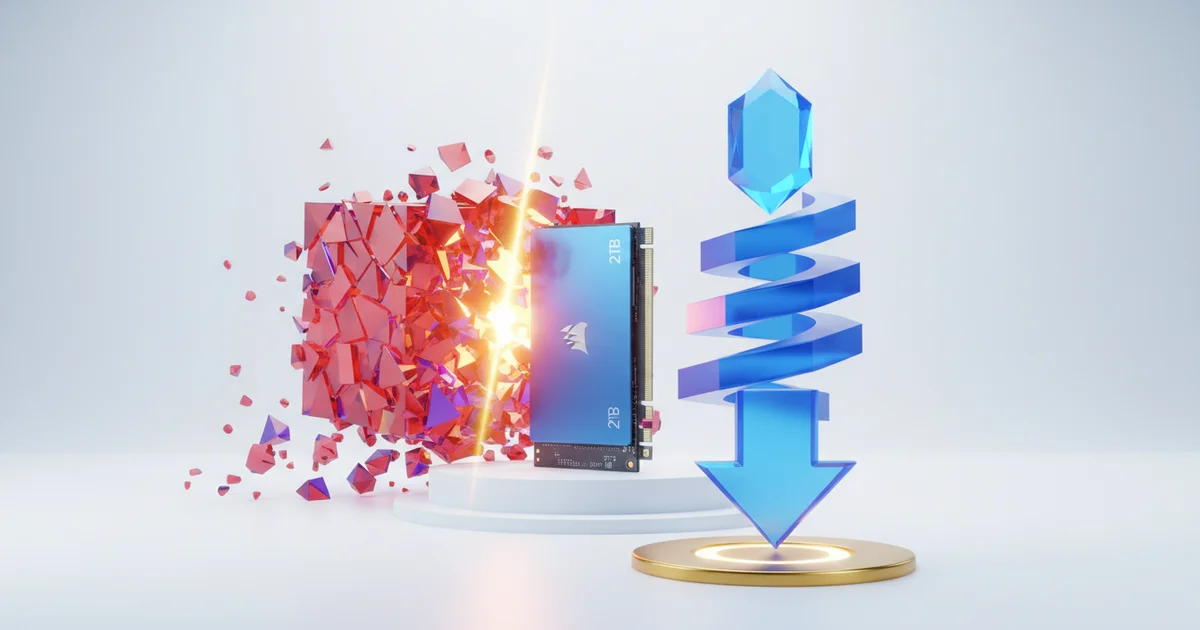
Best Buy is currently selling Corsair’s 2TB SSD at more than 60% off its original retail price — one of the steepest storage discounts a major brick-and-mortar retailer has posted this cycle. That kind of markdown moves this drive out of the “consider it” category and into “act now” territory for anyone sitting on a storage upgrade.
The drive itself is an NVMe M.2 unit, which means it connects via PCIe rather than the older SATA standard. That distinction matters. SATA SSDs cap out around 550MB/s sequential read speeds. NVMe drives routinely hit 3,500MB/s or higher, making a real, noticeable difference when loading large game files, transferring media libraries, or running virtual machines. If your laptop or desktop has an M.2 slot — and most machines built after 2018 do — this drive slots straight in without adapters or caddies.
Two terabytes is the practical sweet spot for most upgraders right now. It clears the bar for a full Windows 11 installation plus a substantial game library or creative project archive, without pushing into the higher price tiers that 4TB drives still occupy.
The credibility factor here goes beyond a retailer sticker. ZDNET’s editorial team personally tested this Corsair drive and issued a formal recommendation, applying the same evaluation process the outlet uses across hardware reviews — hands-on testing, competitive comparisons, and real-world performance checks. That’s a meaningful signal. A 60%-off price on a drive nobody tested is just a cheap drive. A 60%-off price on a drive that cleared editorial scrutiny is an actual opportunity.
The combination of verified performance, a mainstream form factor, and an aggressive price point is exactly what budget-conscious upgraders should be filtering for — and this deal clears all three bars.
Why SSD Prices Are Crashing Right Now
NAND flash memory — the silicon at the heart of every SSD — has been trapped in a brutal oversupply cycle for the past two years. Manufacturers ramped production aggressively coming out of the pandemic-era chip shortage, then demand softened. The result: warehouses full of flash memory that companies need to sell, and prices that have collapsed as a consequence.
That pressure runs straight down the supply chain to retail. When Best Buy lists a 2TB Corsair SSD at over 60% off its original price, that discount is not a marketing trick or a clearance anomaly. It reflects what NAND spot prices are actually doing in the open market. Manufacturers are moving inventory at margins they would never have accepted in 2021 or 2022.
The numbers tell the story clearly. A 2TB internal SSD now routinely sells for what a 1TB drive cost just two years ago. That price-per-gigabyte compression is a direct output of the oversupply glut, and it has reset consumer expectations around storage value. Buyers who paid a premium for a 1TB drive in 2022 are now watching 2TB drives sell for the same money or less.
Understanding this context changes how you shop. This is not a one-time flash sale to chase before midnight. The structural conditions driving these prices — excess NAND inventory, softened enterprise demand, manufacturers fighting for shelf space — are not resolved overnight. Prices across brands and form factors have dropped broadly, which means comparison shopping right now yields real leverage. A shopper who knows the market is oversupplied negotiates differently than one who thinks they stumbled onto a lucky find. They check competitors, hold out for the right spec, and buy with confidence rather than urgency.
The current window favors the buyer. Use it with that knowledge in hand.
Who Should Actually Buy This Drive
PC gamers and content creators get the most out of this drive. Modern AAA titles routinely demand 100GB or more of storage each, and a library of even a dozen games pushes past 1TB before adding any system files or applications. For anyone running games as their primary workload, 2TB is now the practical floor, not a luxury upgrade. Video editors and photographers face the same pressure — 4K footage and RAW image files eat through a 1TB drive fast, and working directly from a slow or nearly-full drive creates real performance bottlenecks.
Laptop upgraders are strong candidates too, but they need to do homework before purchasing. The Corsair MP600 Core XT uses an M.2 form factor with an NVMe interface, which means the target machine must have an M.2 slot that supports NVMe — not all M.2 slots do. Many budget and mid-range laptops from 2017 and earlier shipped with M.2 slots wired for SATA only. Plugging an NVMe drive into one of those slots produces nothing — the system simply won’t detect the drive. Check the laptop’s service manual or manufacturer specs page before ordering.
Desktop users with older systems face the same compatibility wall. A motherboard without an M.2 slot entirely rules out this drive unless the buyer adds a PCIe M.2 adapter card. Even then, some older boards require a BIOS update to boot from NVMe. Users still running SATA-only setups — common on systems built before 2014 — need to verify interface support before clicking buy. Assuming compatibility based on physical fit alone is a reliable way to waste money.
The ideal buyer is someone running a system from the last five to seven years with at least one open M.2 slot, looking to either replace a cramped primary drive or add fast secondary storage. At current pricing, this drive delivers strong value for that specific user. Everyone else needs to confirm specs first.
What Most Deal Coverage Is Missing: The Total Cost of Ownership
Deal posts move fast. They lead with the discount percentage, name the retailer, and stop there. That approach leaves out the three factors that actually determine whether a storage purchase makes financial sense over a three-to-five year ownership window.
The first is TBW — terabytes written — the endurance rating that tells you how much data a drive can write before the manufacturer considers it worn out. Budget SSDs in the 2TB category commonly carry TBW ratings between 300 and 500 terabytes. Mid-range and enthusiast drives at the same capacity routinely double that figure. A 60% headline discount on a drive with a 360 TBW ceiling looks less attractive when a competing drive at a slightly higher price carries 700 TBW and the same form factor. Neither number appears in a typical deal roundup.
The second factor is warranty coverage. Corsair backs its MP600 series with a five-year warranty, which is a genuine differentiator in a segment where some competitors offer three years. That gap represents real financial exposure if a drive fails in year four.
The third factor is the weight you should assign to editorial endorsements. ZDNET’s “I vouch for it” framing signals hands-on experience, and the outlet publishes a methodology disclosing that recommendations draw from testing, retailer data, and independent review sources. That transparency matters. It does not, however, replace checking the drive against sustained-workload benchmarks in databases like Tom’s Hardware or AnandTech’s archived reviews. Sequential read speeds measured in controlled bursts regularly look strong; sustained write performance under continuous load — the scenario that matters for large file transfers and video editing — tells a different story for drives relying on SLC caching that runs out before a job finishes.
Before clicking buy, pull the TBW spec from the manufacturer’s product page, confirm the warranty term, and find at least one sustained-write benchmark from a source with no affiliate relationship to the retailer running the sale.
How to Shop This Deal Smartly
Before you click buy, run the listed price through CamelCamelCamel or PCPartPicker. Both tools pull historical pricing data and will tell you immediately whether the 60%-off claim reflects a genuine drop or a markdown from a fictitious “original” price that was never a real selling point. Retailers routinely inflate MSRPs before a sale to make discounts look more dramatic than they are. If the price tracker confirms this is a true all-time low, you have a clear green light.
Factor in Best Buy’s return policy before installing anything. Best Buy gives most customers 15 days to return opened items, and My Best Buy Plus and Total members get 30 and 45 days respectively. Internal SSDs require you to crack open your machine, which means you want that return window to actually mean something. Check whether a Geek Squad protection plan is available for the drive — adding one converts a one-time purchase into a covered asset if the hardware fails outside the manufacturer’s warranty window.
Corsair backs the MP600 Elite with a five-year warranty, which is solid, but protection plans cover accidental damage scenarios that manufacturer warranties do not.
Finally, stack your savings. My Best Buy members earn points on every purchase, and the My Best Buy Credit Card returns 5% back on Best Buy transactions. On a $70–$80 purchase, that’s a small but real reduction in your effective cost. If you already have a cashback credit card offering a higher rate than 5%, run the numbers — some flat-rate 2% cards won’t beat Best Buy’s own card here, but travel cards with rotating categories sometimes will. Apply the tracker, confirm the return terms, and stack whatever rewards you already carry. That sequence turns a good deal into an optimized one.
The Bigger Picture: Storage as Infrastructure
Storage used to be an afterthought — the cheapest component you could get away with. That calculus has changed. AI-assisted applications cache large model files locally. A single 4K video project can consume hundreds of gigabytes before the first edit. Modern game installs from titles like Call of Duty or Microsoft Flight Simulator routinely exceed 100GB and keep growing with updates. Storage is no longer a passive container; it’s active infrastructure that determines whether your system keeps pace with what you’re doing on it.
The Corsair MP600 Pro LPX at $70 for 2TB on Best Buy represents something beyond a single good deal. Twenty-four months ago, hitting that price point for a PCIe 4.0 NVMe drive at this capacity required waiting for a flash sale on lesser-known hardware. Now a vetted, reviewed drive from a brand with an established track record lands at that number as a standard retail listing. That compression in price reflects a broader NAND flash market correction that has pushed performance storage into genuinely accessible territory for mainstream buyers.
What matters for non-enthusiast buyers is the convergence happening right now. Reliable mid-range hardware from established manufacturers — Corsair, WD, Samsung — is hitting price floors that were previously reserved for budget no-name alternatives. That means buyers no longer have to choose between affordability and reliability. A person building a home editing workstation, upgrading a PS5, or finally replacing a five-year-old laptop drive gets access to sequential read speeds above 7,000 MB/s without paying a premium tax for brand confidence.
The practical takeaway is straightforward: treating storage as a long-term infrastructure investment — rather than the last line item to cut — makes more sense now than it ever has. At $70 for 2TB of PCIe 4.0 performance, the barrier to future-proofing a setup has dropped low enough that waiting for a better deal is unlikely to produce meaningful savings. The market has already moved. This price reflects that shift.