What RomM Actually Is (And Why It’s More Than a File Manager)
RomM is a self-hosted web application built for scanning, enriching, browsing, and playing ROM collections through a single browser-based interface. It pulls metadata from three major databases — IGDB, Screenscraper, and MobyGames — covering more than 400 platforms, so everything from Atari 2600 cartridges to PlayStation Portable ISOs gets properly identified and described. Custom artwork comes from SteamGridDB, and achievement data flows in from Retroachievements, turning a folder of loose files into a fully documented game library.
What separates RomM from basic retro game organizers is how it handles the messy reality of an existing collection. It supports multiple naming schemes and parses custom tags directly from filenames, which means a library built up over years of inconsistent downloads doesn’t need to be restructured from scratch. The software meets collectors where they already are rather than demanding a clean-slate reorganization.
The scope extends well beyond library management. RomM supports multi-disk games, DLCs, mods, hacks, patches, and manuals as distinct entries, so a complete preservation setup — not just the base ROM — fits inside one organized system. Users can view, upload, and update files directly through the interface, with sharing features that allow friends limited access and permissions.
The detail that pushes RomM closest to a full retro gaming platform is in-browser emulation. Games launch directly from the interface using EmulatorJS and RuffleRS, eliminating the step of exporting files to a separate emulator. Official apps extend this further, with support for Playnite, Android, and custom firmware handheld devices. The line between a ROM collection manager and an on-demand game streaming setup effectively disappears. For anyone building a personal game preservation library on their own hardware, RomM functions as the organizational backbone and the playback layer at the same time.
The Metadata Layer: Turning a ROM Dump Into a Real Game Collection
Raw ROM files carry no context. A filename like SCUS-94163.bin tells you nothing about what game you’re actually looking at. RomM solves this by pulling structured metadata from three separate databases — IGDB, Screenscraper, and MobyGames — and attaching proper titles, descriptions, release dates, developer credits, and genre tags to every entry in your library. Each source brings different strengths: IGDB covers modern releases comprehensively, Screenscraper specializes in retro platform data, and MobyGames fills historical gaps with deep catalog coverage going back decades.
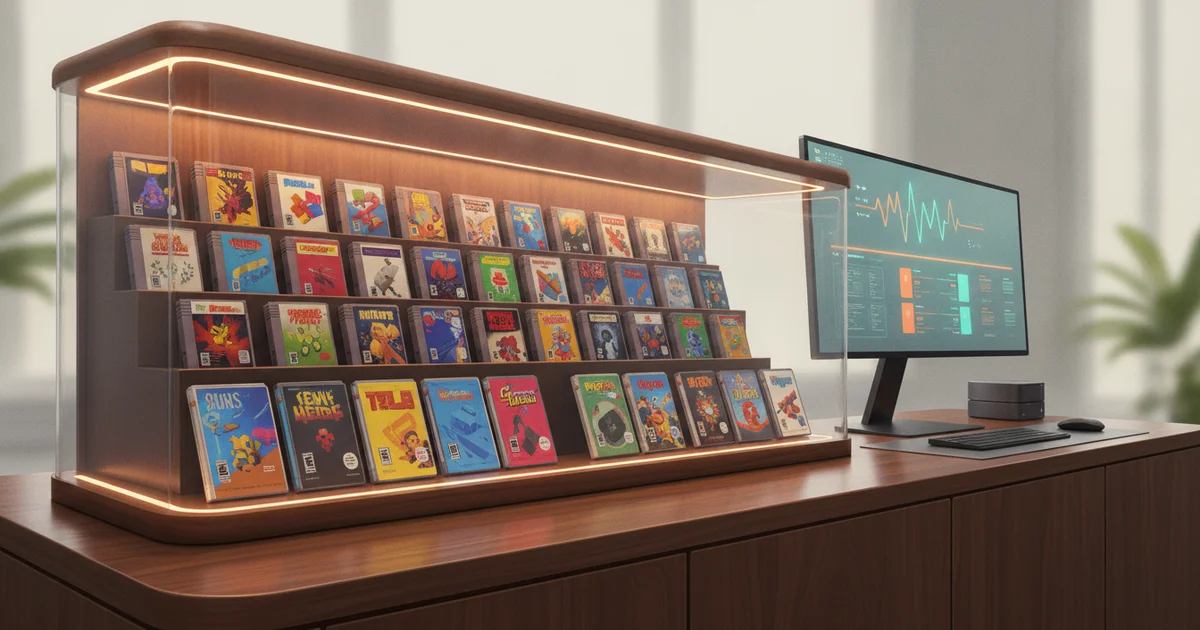
The visual layer matters just as much as the data layer. RomM connects to SteamGridDB to fetch high-quality custom artwork, replacing a flat directory of files with a browsable, grid-based interface that looks closer to a Plex media library than a file manager. Box art, hero images, and logos transform game discovery from a chore into something that actually resembles a curated collection.
Platform coverage is where RomM separates itself from narrower ROM organization tools. Metadata support spans over 400 platforms, running the full spectrum from the Atari 2600 through modern handhelds. That breadth means a single installation handles a Super Nintendo ROM collection the same way it handles PlayStation Portable ISOs, Sega Saturn disc images, or Game Boy Advance cartridge dumps — without requiring platform-specific workarounds or separate library managers.
RomM also handles the messier realities of game preservation: multi-disk games, DLCs, mods, ROM hacks, patches, and manuals all receive first-class support. Tag parsing lets users filter libraries by region, version, or revision directly from the filename metadata, which means a collection of No-Intro or Redump sets retains all its structured naming information rather than losing it in the enrichment process.
The result is a personal game archive that functions like a proper digital library — searchable, visually organized, and contextually rich — without depending on any commercial platform to stay online.
The Achievement and Community Layer Most Tools Ignore
RetroAchievements integration sets RomM apart from virtually every other self-hosted ROM manager available today. Rather than treating classic games as static files to catalog and launch, RomM pulls achievement data directly from the RetroAchievements platform and displays it alongside your library. Players can track unlocked accomplishments across hundreds of classic titles spanning consoles from the Atari 2600 through the PlayStation Portable — all within the same interface they use to browse and launch games.
This matters because the absence of progress tracking is one of the most cited reasons younger players bounce off retro gaming entirely. Modern titles from PlayStation, Xbox, and Steam have conditioned players to expect reward loops: trophies, achievements, completion percentages, and visible markers of progress. A 1994 SNES RPG offers none of that infrastructure by default. RetroAchievements adds a community-built achievement layer on top of thousands of ROM titles, and RomM surfaces that data without requiring players to leave the emulation environment or check a separate app.
The practical effect is significant. A player working through a classic Game Boy Advance library can see which achievements they’ve earned, which remain locked, and how their completion rate stacks up — the same feedback loop that drives engagement in contemporary gaming. That visibility transforms passive game preservation into active play, which is exactly what personal ROM collections need to stay relevant beyond nostalgia.
For retro gaming communities, this integration also signals a broader design philosophy. RomM treats emulation library management as a living, social experience rather than a filing system. Achievement tracking, combined with features like library sharing with granular permissions, positions self-hosted ROM management as a genuine alternative to commercial retro platforms — one that respects user ownership while delivering the progression mechanics modern players demand from their game collections.
Self-Hosting as a Political Act: The Preservation Context Everyone Is Missing
Most tech coverage of RomM stops at the feature list — metadata from IGDB, browser-based play via EmulatorJS, support for 400-plus platforms. That framing misses the point entirely. RomM exists because the legal and commercial landscape for classic games has become hostile enough that preservation-minded players stopped waiting for a sanctioned solution.
Nintendo’s aggressive takedown campaigns against ROM sites, the shutdown of the Internet Archive’s game lending library, and the routine disappearance of titles from digital storefronts have all accelerated demand for tools that put control back in individual hands. When a publisher delists a game, it’s gone. When your own server hosts it, it isn’t.
That’s the architectural logic underneath RomM. Running entirely on a user’s own hardware means no central server to subpoena, no company to pressure, no terms-of-service update that wipes a collection overnight. The individual user holds both the data and the legal exposure — and the project makes no effort to obscure that tradeoff. This is a deliberate design philosophy, not an accident of technical implementation.
What separates this moment from earlier phases of the emulation scene is polish. RomM pulls artwork from SteamGridDB, syncs achievements from Retroachievements, and presents everything through a clean, responsive interface that competes visually with Steam or a modern streaming platform. Self-hosted ROM management used to mean a command-line tool and a folder full of zipped files. It now means a library that looks and functions like a commercial product — because the people building these tools understand that adoption depends on experience, not just ideology.
That aesthetic maturity signals a broader shift in the self-hosting movement. Personal game preservation is no longer a niche technical exercise. It’s a direct, practical response to the demonstrated unreliability of commercial platforms as long-term custodians of game history.
Who This Is Really For — And the Barrier That Still Exists
RomM’s target user already owns a ROM library and runs emulators. That baseline assumption shapes every design decision in the project. The feature list — metadata support for over 400 platforms, compatibility with multiple naming schemes, handling of multi-disk games, DLCs, mods, hacks, and patches — signals a tool built for serious collectors managing large, heterogeneous libraries across dozens of systems. Someone running a single SNES folder has simpler options. Someone juggling PlayStation 2 ISOs, Game Boy Advance ROMs, arcade sets, and custom-patched titles needs exactly the kind of organizational infrastructure RomM provides.
The intended audience is technically comfortable but not necessarily server-experienced. Emulator users know how to configure RetroArch or manage BIOS files, but standing up a self-hosted application is a different skill set. RomM deploys via Docker, which lowers the barrier compared to manual server configuration, but Docker itself carries a learning curve. You still need to understand container networking, volume mounts, and environment variables before the first scan runs. That gap between “plays on emulators” and “runs home servers” is real, and the project’s GitHub-only presence reflects it honestly. There is no packaged installer, no guided setup wizard, no one-click deploy to a consumer NAS through a GUI app store — though community-maintained guides exist for platforms like Unraid and TrueNAS.
This creates a clear ceiling on RomM’s current reach. The rom manager software space has long split between polished closed platforms and rough open-source tools. RomM sits closer to the polished end visually, with its clean browser interface, EmulatorJS integration for in-browser play, and artwork fetching from SteamGridDB. But the setup process still requires comfort with command-line tools and YAML configuration. For anyone building a personal game preservation system at home, that tradeoff is manageable. For the casual emulation user who just wants their games organized, it remains a genuine obstacle the project has not yet fully solved.
What RomM Signals About the Broader Self-Hosted Media Ecosystem
RomM doesn’t exist in isolation. It sits inside a thriving ecosystem of self-hosted media tools — Plex, Jellyfin, Audiobookshelf, Immich — that collectively represent a shift in how technically curious users think about owning their digital lives. Each of these projects follows the same trajectory: start as a rough open-source alternative, accumulate contributors, reach feature parity with commercial platforms, then quietly surpass them.
RomM is now at that inflection point for game libraries. Pull metadata simultaneously from IGDB, Screenscraper, and MobyGames. Fetch artwork from SteamGridDB. Track achievements through Retroachievements. Play directly in the browser via EmulatorJS and RuffleRS without installing a single additional application. That’s a full-stack retro gaming experience running on hardware you control, and it covers more than 400 platforms.
That last detail matters. Commercial game preservation services don’t cover 400 platforms. Many don’t cover 40. Nintendo Switch Online, PlayStation Plus, and Xbox Game Pass each serve curated slices of gaming history shaped by licensing deals, not preservation logic. When those services change their catalogs — and they do — users lose access to games they’ve been paying to play. A self-hosted ROM manager running on a home server does not have a licensing department.
The mainstream readiness threshold for self-hosted software is often defined by three things: a clean interface that doesn’t require documentation to navigate, metadata that populates automatically, and playback that works without friction. RomM clears all three. The browser-based emulation alone removes the single biggest barrier that historically kept casual users away from self-hosted gaming setups.
What RomM reveals is that the motivation behind open-source self-hosting has expanded beyond privacy concerns. Users are choosing these tools because they’re genuinely better — and because personal game preservation built on open infrastructure doesn’t disappear when a company pivots, gets acquired, or shuts down a service with a 30-day notice.