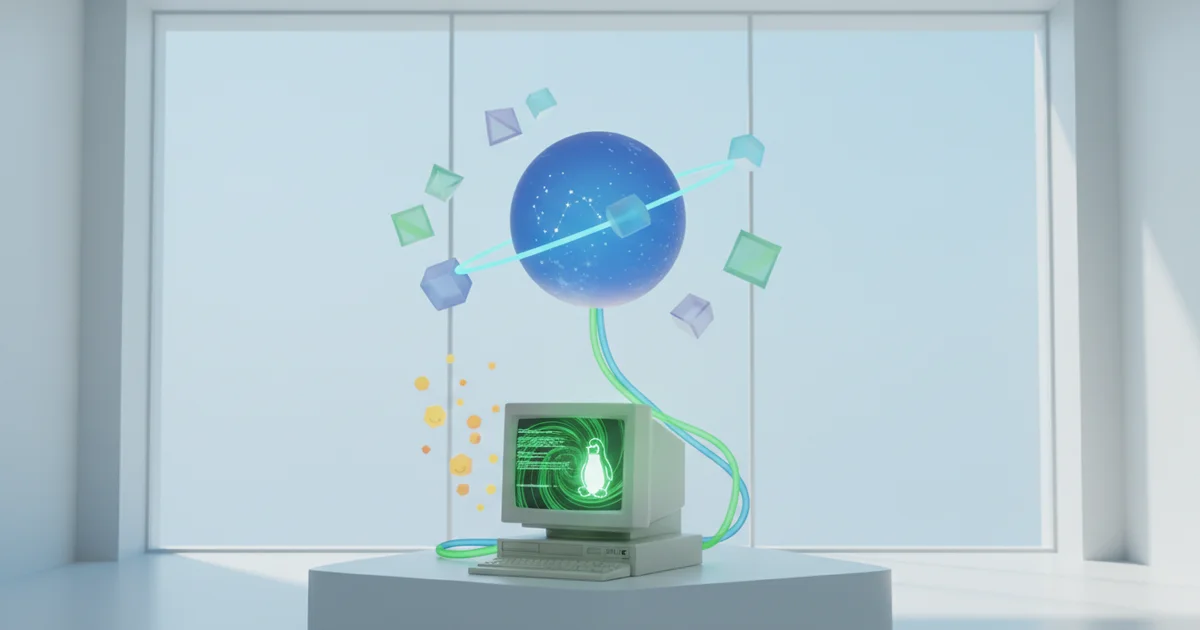
What the Virtual OS Museum Actually Is
The Virtual OS Museum is a free project that gives users direct, hands-on access to hundreds of historical operating systems — from forgotten Linux distributions to legacy Windows builds — without requiring any technical background or archival expertise. You download a zipped file, unzip it, navigate into the new directory, and run the executable. That’s the entire process.
The only external dependency is VirtualBox, Oracle’s widely available and free virtualisation platform. Anyone who can install software can use this museum. There are no obscure configuration files to edit, no command-line rituals, and no need to hunt through aging FTP servers for disk images that may or may not still work. The project handles the complexity so users don’t have to.
The scope of the collection goes well beyond a Linux nostalgia exercise. The museum surfaces operating systems that genuinely shaped how modern computing looks and behaves — early Linux distributions that introduced millions of users to open-source software, Windows builds from eras most people have actively tried to forget, and other OSes that fell out of circulation long before cloud storage and app stores became the default assumption. Booting one of these systems means interacting with real software as it actually ran, not reading a Wikipedia summary of how it worked.
That combination — broad historical coverage, zero cost, and a single straightforward prerequisite — is what separates the Virtual OS Museum from similar preservation efforts. Projects that demand specialist knowledge or expensive tools reach specialists. This one reaches anyone curious enough to download a zip file.
The Missing Context: Why Digital OS Preservation Is Chronically Under-Discussed
Tech journalism runs on launch cycles. Every major outlet dedicates enormous resources to covering the newest kernel releases, the latest macOS updates, and whatever hardware Apple announced this quarter. The operating systems that shaped everything those modern systems inherited get almost no coverage at all — and that silence carries real consequences.
Cybersecurity professionals regularly encounter legacy environments running decades-old software. Developers maintaining industrial control systems, banking infrastructure, or government platforms often work with codebases that predate most of their colleagues. Historians and archivists need runnable systems to study human-computer interaction as it actually existed, not as documentation describes it. All three groups face the same problem: the systems they need to understand are disappearing.
Software decays differently than physical objects. A floppy disk warps or oxidizes, and the damage is visible. An operating system quietly becomes unrunnable as the hardware it requires stops being manufactured, as supporting tools become incompatible, and as the institutional knowledge needed to configure it disperses. There is no equivalent of a crumbling wall to signal the loss. Entire chapters of computing history simply become inaccessible, with no announcement and no ceremony.
The Internet Archive has made genuine contributions here — its software library and browser-based emulators preserve thousands of programs — but its coverage is uneven and its interactive depth limited. Major universities and national libraries have launched digital preservation initiatives, yet runnable OS environments remain a persistent gap. Most efforts capture documentation and disk images without providing a practical way to actually operate the systems.
The Virtual OS Museum addresses that gap directly. Built around VirtualBox, it lets users run hundreds of operating systems that no longer exist in active distribution, requiring nothing beyond a free download and a zip extraction. The project is grassroots and open in character — exactly the kind of infrastructure that institutional funding has consistently failed to prioritize. Its existence makes a quiet argument that the preservation community has been making for years: access to functional historical software is not a hobbyist luxury. It is a foundational requirement for education, security research, and understanding how the digital world was actually built.
The Emotional and Educational Power of Running Your First Distro Again
There is a moment, documented in ZDNET’s hands-on coverage of the Virtual OS Museum, when the writer boots a distribution they first used decades ago and describes feeling genuine joy — not just curiosity, but reunion. That reaction is data. It tells us something important about how humans actually absorb computing history.
Reading a Wikipedia entry about early Linux desktop environments produces one kind of understanding. Loading a functional 1990s desktop in VirtualBox produces another. The Virtual OS Museum makes the second option available to anyone willing to download a zip file, unzip it, and run a single executable. The barrier is deliberately low. The payoff is disproportionately high.
For educators, the tool solves a persistent problem: students who grew up with GNOME 40 or KDE Plasma have no visceral frame of reference for what computing looked like before those environments existed. Showing a class a screenshot of an early Linux interface explains almost nothing. Letting students click through one explains everything — the constraints developers worked under, the deliberate choices they made, and the distance the open-source community has traveled inside a single human generation.
Nostalgia is doing real pedagogical work here. When an instructor can sit beside a student and say “I learned to use a computer on something that looked exactly like this,” abstraction collapses. The history of Linux stops being a timeline on a slide and becomes a lived sequence of decisions made by real people solving real problems with limited hardware and zero corporate budget.
The Virtual OS Museum currently supports hundreds of operating systems, all accessible through VirtualBox at no cost. That scale matters. A teacher does not have to hunt for a specific disk image or configure a custom virtual machine from scratch. The infrastructure for experiential computing history already exists. The only remaining question is whether educators choose to use it.
What This Means for the Broader Open-Source Community
The Virtual OS Museum runs on the same philosophical engine that built Linux itself: free access, community contribution, and the radical idea that knowledge belongs to everyone. It costs nothing to use, requires only VirtualBox to operate, and lets anyone boot hundreds of operating systems that commercial platforms stopped supporting years ago. That is the open-source ethos applied not just to creating software, but to remembering it.
This matters more now than it did a decade ago. Linux powers the majority of the world’s servers, dominates cloud infrastructure, and runs on everything from Android phones to enterprise data centers. That reach demands historical credibility. A technology ecosystem that cannot account for its own origins struggles to claim maturity. Tools that let developers and students actually run early Linux distributions — not just read about them — turn abstract lineage into lived experience. They make the ecosystem’s depth visible and verifiable.
The project also pushes back against a quiet but persistent habit in the technology industry: erasing what no longer generates revenue. Google has shut down dozens of products. Microsoft has deprecated entire development environments. Apple kills hardware compatibility on a fixed schedule. Each of these decisions severs users from their own digital history. The Virtual OS Museum does the opposite. It treats continuity as a feature, not a liability.
That counter-narrative carries weight. When a community-maintained project preserves operating systems that corporations have long abandoned, it establishes a form of accountability — proof that these systems existed, that people built and used them, and that their design choices influenced everything that came after. Open source has always argued that transparency produces better software. Preservation extends that argument: transparency about the past produces a better-informed community. The Virtual OS Museum is a small project with a large implication. History, in the open-source world, is not a legacy burden. It is infrastructure.
How to Actually Use It — and Why You Should Right Now
Getting started takes about five minutes. Download VirtualBox, pull up the Virtual OS Museum’s catalogue, grab a zipped file for whichever system you want to run, unzip it, navigate into the directory, and launch the executable. That’s the entire process. The project’s low barrier to entry is deliberate — the goal is to pull in curious non-specialists, not just veteran sysadmins who could rebuild these environments from scratch anyway.
The catalogue spans hundreds of operating systems, which means the tool’s appeal runs well beyond Linux circles. Early Macintosh users can boot systems they haven’t touched in decades. Windows nostalgists can step back into interfaces that shaped how an entire generation learned to think about computing. BSD enthusiasts have their own corner of the archive. The breadth is the point — digital history doesn’t belong exclusively to any one operating system lineage, and the museum reflects that.
The timing of this resource matters more than it might appear. The engineers, architects, and team leads who cut their teeth on these systems in the 1980s and 1990s are now in senior positions across the industry. Their hands-on familiarity with how early operating systems handled memory constraints, file permissions, and interface design carries real institutional value. But institutional memory fades, retires, and eventually disappears. A living, runnable archive supplements that knowledge in a way that documentation alone cannot — a written description of how early Linux distributions felt to navigate is categorically different from actually navigating one.
For educators, the use case is equally direct. A computer science student reading about the Unix philosophy gets one kind of understanding. That same student booting a working Unix-derived system from the 1990s and poking around its shell gets another. The Virtual OS Museum makes the second option accessible at zero cost, on standard hardware, with no special configuration.
The window to preserve these environments in a meaningful, interactive form is not permanently open. Use it now.